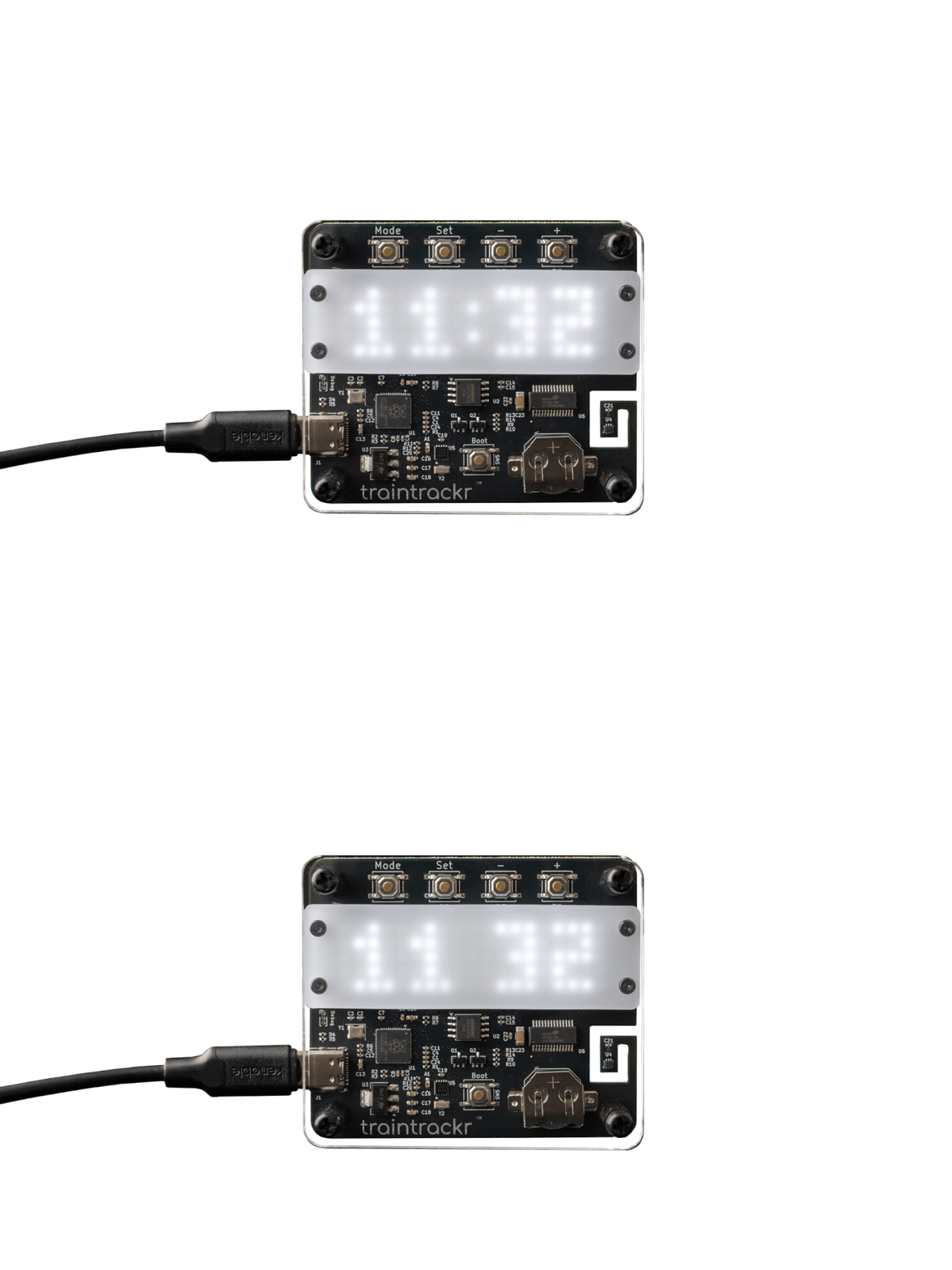
Overview
Timetrackr is a LED Clock and Temperature sensor, using a RP2040 microprocessor and HT16K33 LED driver.
Operating Instructions
To get started, assemble your Timetrackr, then plug it into a power source. You can use the provided USB-C cable with a USB charger or a computer.
- Press MODE to change the current display
- Time, Temperature, Time + Temperature (Ti+Te), Date, All
- Press the - or + buttons to adjust the brightness (BR)
- Press and hold the SET button to configure device
- + or - buttons to adjust; SET button to move on
- Hour
- Minute
- Time format - 12-hour / 24-hour
- Year
- Month
- Day
- Temperature - °C / °F
- Brightness (BR) - 1 to 16
- Train - enable/disable random train animation
- Tcal - temperature offset
- Press the MODE button at any time to save
- Press the SET button once to show the date
Specifications
| Assembled Dimensions | |
|---|---|
| Width | 70mm (2.76in) |
| Height | 60mm (2.36in) |
| Depth | 20mm (0.79in) |
Documents
Firmware
The board's firmware can be replaced over its USB cable. Pick a version below, put the board in bootloader mode, and copy the file onto the drive it shows up as.
1.0.0 Latest
Checksum
SHA-256c59c1b4af463d9abda36df9e28fc8b39e03245698128570a0c9958174ec44086Flash
-
Put the board in bootloader mode.
Either restart it into bootloader mode over USB (Chrome or Edge, with the board plugged in and running):
or unplug it, hold down its BOOTSEL button, plug it back in and let go. Either way it shows up on your computer as a drive called RPI-RP2 (RP2350 on newer chips).
-
Copy the firmware onto that drive.
Pick the drive, and the page copies the firmware onto it:
-
Wait for the board to restart.
Once the file has copied across the drive disappears and the board starts the new firmware. Your computer may say the drive wasn't ejected properly; that's fine.